
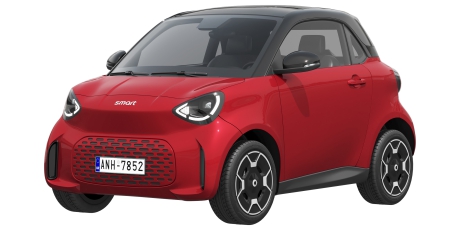
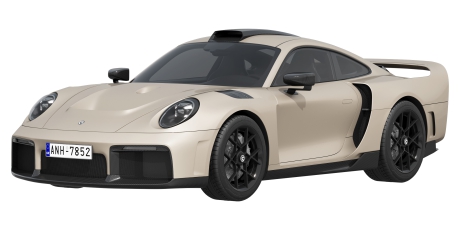
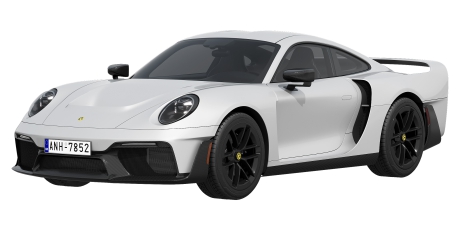
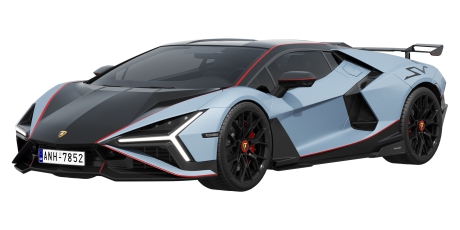
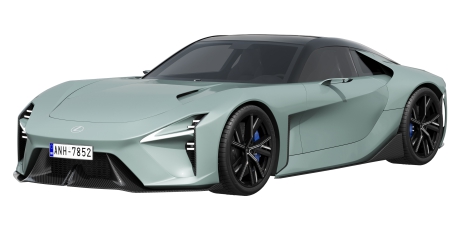
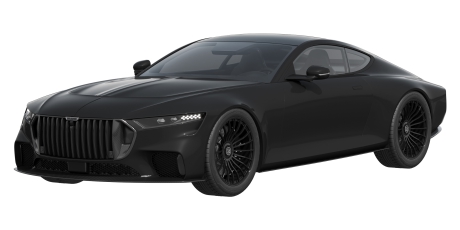
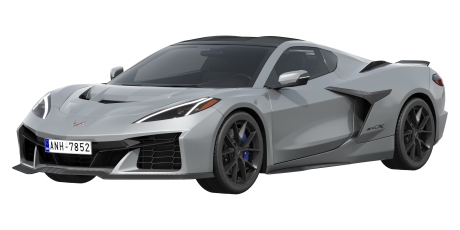
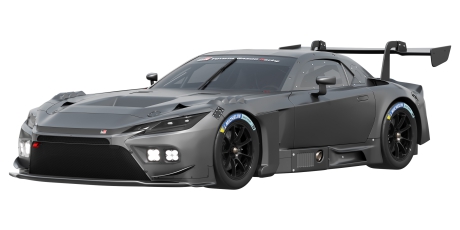
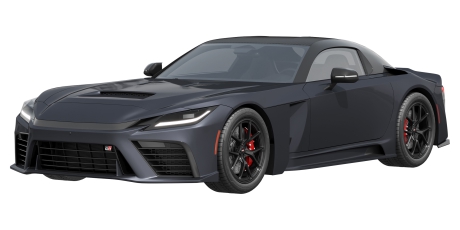
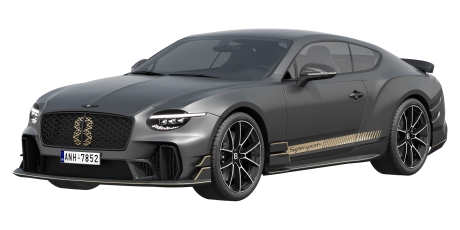
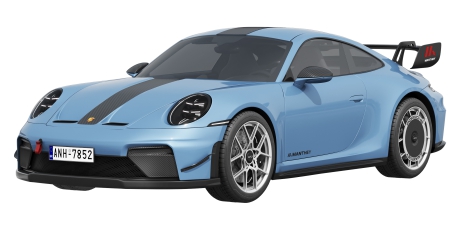
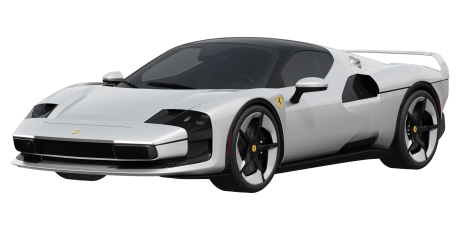
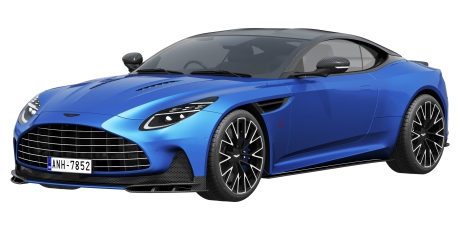
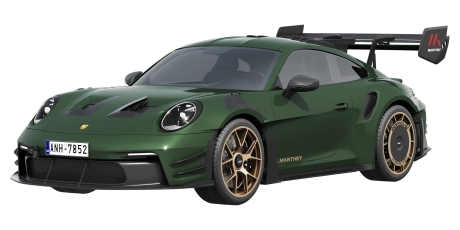
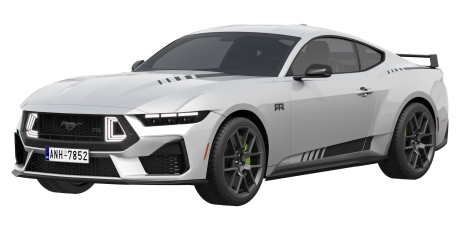
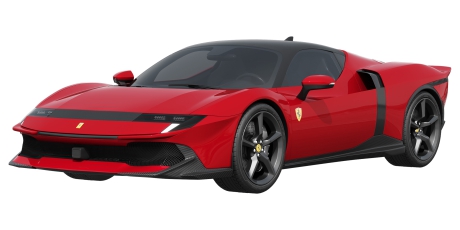
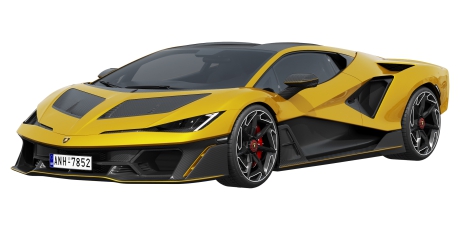
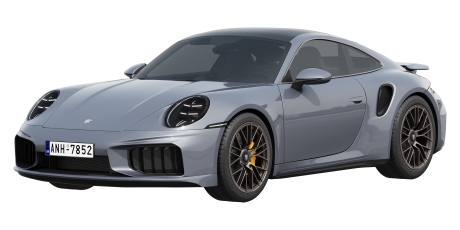
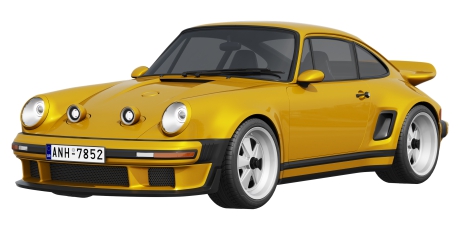
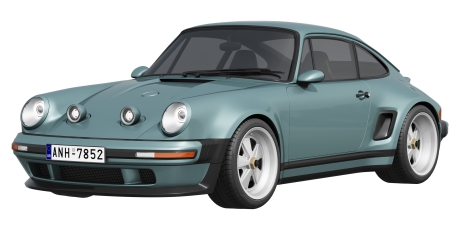
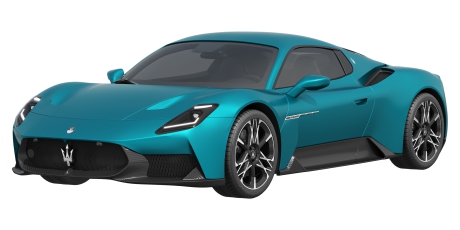
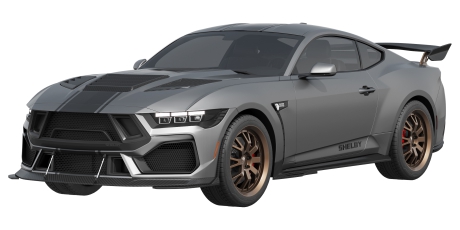
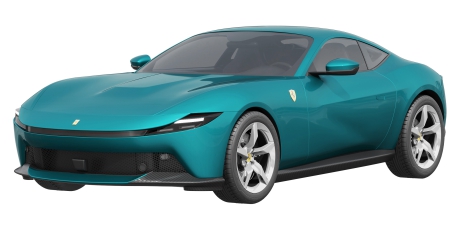
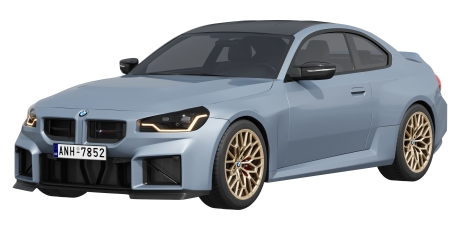
Looking for premium coupe car 3D models for professional digital production? This category brings together coupe car 3D models suitable for visualization, rendering, games, animation, VR/AR projects, product presentations, and automotive design. Coupe vehicles are known for their sporty styling, elegant two-door silhouettes, performance-oriented design, and are frequently used as high-quality 3D car assets in creative workflows.
Coupe Car 3D Models for Digital Projects
The ZIFIR3D collection includes a wide range of coupe vehicles created for professional digital applications. Depending on your project, you can choose from sports coupes, modern production models, classic designs, performance-oriented vehicles, and other vehicle 3D models featuring carefully recreated body lines and realistic proportions.
These assets support the work of 3D artists, game developers, visualization studios, animators, automotive designers, and creative teams producing digital content. Whether you are building a product presentation, creating an automotive 3D model library, or preparing scenes for client approval, the catalog offers models for different production needs.
What Makes a Coupe 3D Model Useful
Choosing the right model depends on practical quality rather than appearance alone. A high-quality asset may feature an accurate body shape, clean topology, carefully recreated interior and exterior details, balanced polygon count, and realistic textures that help achieve consistent visual results.
Many professionals also review UV mapping, PBR materials, and software compatibility before selecting a model. These characteristics simplify integration into existing production pipelines while helping maintain quality throughout the project.
Turbocharged and Sports Coupe Car 3D Models
The catalog includes vehicles suitable for dynamic automotive content, including turbocharged coupe car 3D models and modern sports coupe designs. A sporty coupe model can be an effective element of racing scenes, cinematic sequences, promotional visuals, or concept design projects.
These models are often selected for realistic car rendering, game environments, automotive marketing materials, cinematic animation, and high-end visualization where vehicle aesthetics play a central role.
How to Choose the Right Coupe 3D Model
The best choice depends on the intended application. A high-poly model is typically preferred for close-up renders, detailed automotive visualization, and marketing content where visual fidelity is essential. For games or real-time rendering, an optimized low-poly model may provide better performance while maintaining visual quality.
When comparing models, review previews and technical information to ensure the selected asset matches your production requirements and workflow.
File Formats and Software Compatibility
Before downloading or purchasing, check which file formats are available for the selected model. Product pages may include formats such as FBX, OBJ, MAX, BLEND, C4D, STL, GLB, or USDZ, depending on the specific asset.
Many professionals also verify compatibility with Blender, 3Ds Max, Maya, Cinema 4D, Unreal Engine, and Unity to simplify integration into existing pipelines.
Polycount, Textures and Rigging
Reviewing technical specifications helps avoid unnecessary adjustments later. Pay attention to the polygon count, texture quality, available PBR materials, interior details, and licensing information before choosing a model.
If your project requires moving components, check whether the asset includes a rigged car model or an animated vehicle model. License terms should also be reviewed before using any asset in commercial production.
Use Cases for Coupe Car 3D Models
Professional coupe models can be used across a wide range of commercial and creative projects. They are suitable for automotive visualization, advertising renders, game development, VR/AR projects, cinematic animation, product presentation, and concept design.
Depending on the selected asset, some models may also be appropriate for 3D printing workflows if this capability is specified on the product page. Always verify the available files and supported applications before use.
Browse All Coupe Car 3D Models on ZIFIR3D
Explore all coupe car 3D models available in the ZIFIR3D catalog to compare different vehicle styles and technical specifications. Review preview images, supported formats, and model details to select the right digital asset for your project. Businesses purchasing multiple models can also benefit from volume discounts, with terms based on the number of models ordered and detailed on the website.
FAQ
What are coupe car 3D models used for?
Coupe car 3D models are used for automotive visualization, 3D rendering, games, animation, advertising, product presentations, and other digital projects that require realistic vehicle assets.
Which file formats are available for car coupe 3D models?
Available formats depend on the selected model. Product pages specify supported options, which may include FBX, OBJ, MAX, BLEND, C4D, GLB, USDZ, or other formats.
Are coupe car 3D models suitable for games and VR/AR projects?
Yes. Depending on the asset, coupe car 3D models can be used in games, VR/AR projects, interactive applications, and real-time rendering workflows.
Can I find turbocharged coupe car 3D models in this category?
The catalog includes various coupe vehicles, including turbocharged coupe car 3D models, sports-oriented designs, and other models suitable for digital production and visualization.
How do I choose between a high-poly model and low-poly model?
A high-poly model is ideal for close-up renders and visualization, while a low-poly model is better suited for games and other real-time applications where performance is important.
Do coupe 3D models include interiors, realistic textures or rigged car model features?
Specifications vary by model. Check the product page to see available interior and exterior details, realistic textures, rigging, animation, and other technical information.
Can coupe car 3D models be used in Blender, Unreal Engine or Unity?
Compatibility depends on the file formats provided. Product pages indicate whether a model supports workflows in Blender, Unreal Engine, Unity, and other compatible software.